Automate restaurant supplier orders: complete 2026 guide
Auto-generated supplier orders based on sales + stock, live mercurial, WhatsApp purchase orders. Method + software.
TL;DR. Automating supplier orders means calculating what you actually need from real sales and current stock — not from gut feel. Result: fewer stockouts, less overstock, and 2 hours less per week juggling lists. This guide covers the method, the tools, and the mistakes to avoid.
Context / Definition
Automating restaurant supplier orders means replacing the Monday-morning glance into the walk-in with a structured calculation: forecast sales × recipe card portion sizes − current stock = what you order. Nothing more. But that "nothing more" changes everything when you do it systematically, week after week.
Automated restaurant ordering: a system that calculates the quantities to order from each supplier based on historical sales, recipe cards and available stock — without manual entry.
Most operators still order on feel. They eyeball the walk-in, think back to last week, add a buffer "just in case." That's money thrown away twice: once in overstock that ends up in the bin, once in stockouts that cost you a missed dish and a disappointed guest.
How do you calculate supplier orders?
The answer fits in one formula. Forecast sales × recipe card portion sizes − current stock = quantity to order. Apply that to every line item, every week, and you stop ordering blind.
The formula in detail
Concrete example. You sell an average of 80 burgers a week. Your recipe card and portion sizes specify 180 g of ground beef per burger. You have 4 kg in stock.
80 × 0.180 kg = 14.4 kg to produce
14.4 − 4 = 10.4 kg to order
You order 11 kg (rounded up to supplier case size). Not 15 to be safe. Not 8 because "it'll be fine." 11 kg, calculated.
The 3 data points you need
- Real sales — not a mental estimate. POS data from last week, or a 4-week rolling average.
- Recipe card portion sizes — every ingredient, net weight after prep, for every dish. If your cards aren't current, the calculation is wrong from the start.
- Current stock — weighed or counted, not guessed. A quick inventory before each order.
Run inventory the same day at the same time every week. Tuesday night before close, or Wednesday morning before service. Consistency makes week-on-week comparison reliable.
Why manual ordering costs you
Ordering on instinct means working with a permanent unknown. You never really know what you have in stock or what you'll sell next week. And you pay for that uncertainty twice.
On the overstock side
10% overstock on a £3,000-a-week order is £300 going in the bin or stuck in cash flow. Across 52 weeks, that's £15,600 of working capital tied up. It's not an outlier — it's the norm in any restaurant ordering without method.
Stock management for accurate ordering and order automation are two sides of the same coin: each feeds the other.
On the stockout side
A stockout is a menu item you have to "86" mid-service. It's the server apologising. It's the guest leaving with the impression of a place that's disorganised. And if it's your hero dish, it's a direct hit to average ticket.
The live supplier mercurial lets you see prices move in real time — and adjust order quantities if a SKU spikes that week. Without an up-to-date mercurial, you sometimes order at a higher price than you need to, without ever knowing.
Time wasted
Building an order by hand — calls to suppliers, scribbled lists, makeshift WhatsApp threads — averages 30 to 45 minutes per supplier per week. For a restaurant with 4 main suppliers, that's 2-3 hours a week burned on a task that can be automated.
Case study — Lunch Wagon, 2024
In 2023, when I took over Lunch Wagon in Albi out of administration, ordering was old-school. Look in the walk-in, estimate the week, ring the supplier. Result: weeks where we tossed ground beef because we'd over-ordered, others where we scrambled because we'd underestimated demand for an event.
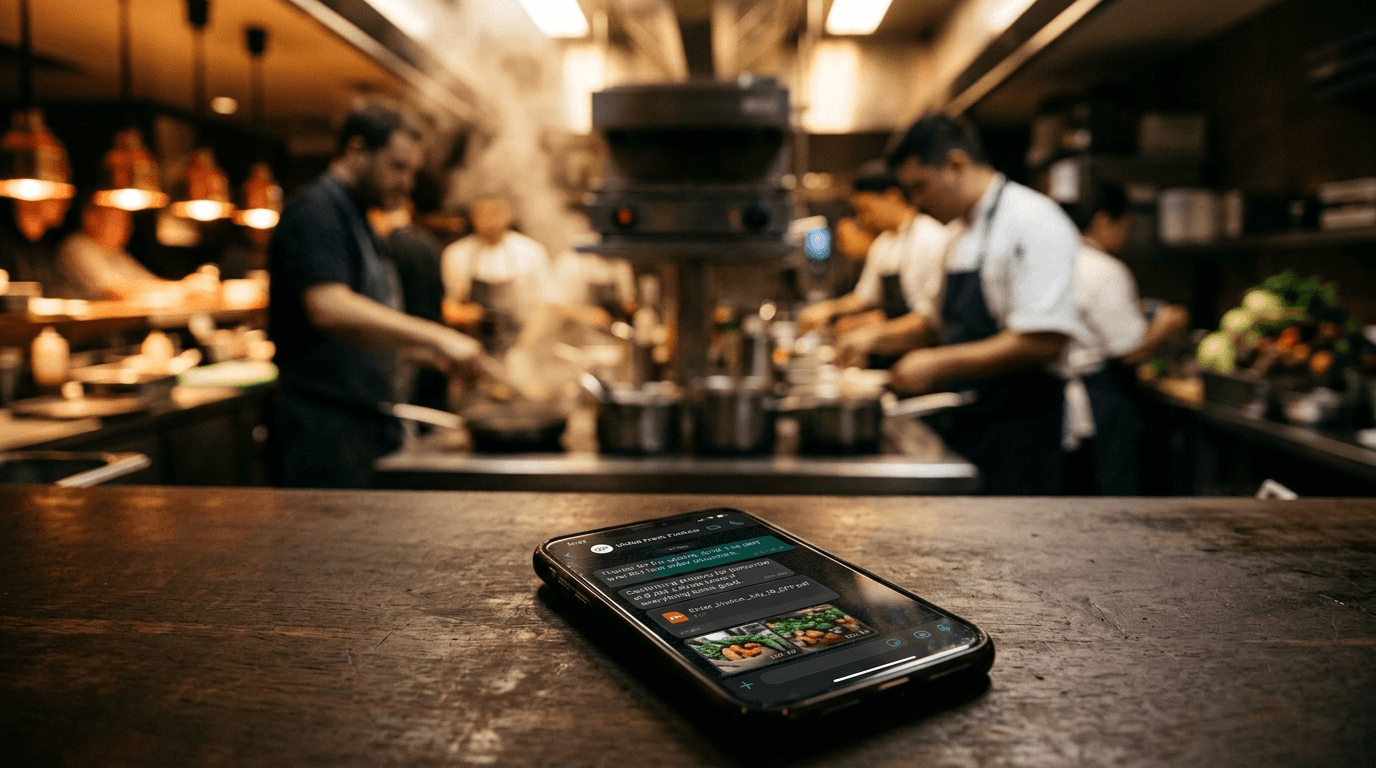
In 2024 I switched to a system: orders calculated from the previous week's actual sales, cross-referenced with recipe cards and a fixed weekly inventory. The order generated automatically, the PO went straight to the supplier on WhatsApp.
Results over the next 6 months: -12% stockouts, -8% overstock, and 2 hours back every week on order prep. It's not magic — it's just method, applied.
What I wish I'd had at La Verrerie between 2015 and 2018 is exactly that: a system that calculates for me, sends the PO without me having to type it, and flags when a supplier price drifts. I'd have saved dozens of hours and probably avoided a few embarrassing stockouts mid-Saturday-night service.
The impact on food cost is direct and measurable: order tight, lose less, hold less, free up cash.
Walk-in glance, WhatsApp, or automated?
- Time / week
- 2-3 hrs (4 suppliers)
- Calculation basis
- Gut + memory
- Overstock
- +10 to +20%
- Service stockouts
- Frequent
- Traceability
- None
- Time / week
- 1 to 1.5 hrs
- Calculation basis
- Excel list + stock
- Overstock
- +5 to +10%
- Service stockouts
- Occasional
- Traceability
- WhatsApp history
- Time / week
- 15-20 min (review + send)
- Calculation basis
- Real sales × recipe cards
- Overstock
- -8% (Lunch Wagon 2024)
- Service stockouts
- -12% (Lunch Wagon 2024)
- Traceability
- PDF + 12-week history
The "automated ordering" column assumes your recipe cards are current and you run weekly inventory. If those two conditions aren't met, automation just automates wrong data. A structured purchase order template is the first step before automating.
How to set up an automated ordering system
Here are the 4 steps in order. Don't skip — each one sets up the next.
Step 1 — Get your recipe cards current
Every menu item needs a recipe card with precise per-ingredient portion sizes. If a card is approximate, the calculated order is approximate. It's the foundation.
Step 2 — Build a clean mercurial
A mercurial is the list of every supplier SKU with its current unit price. Without a reliable mercurial, your software orders without knowing actual prices. The live supplier mercurial shows how to keep it current with low effort using invoice OCR.
Step 3 — Lock in a fixed weekly inventory
Same time, same day, same method. Every item weighed or counted. That's the "current stock" variable in the formula. Without it, you can't calculate what's missing.
Step 4 — Pick the right tool
A serious supplier order software 2026 needs to do at least four things: keep the mercurial current, cross-reference sales with recipe cards, generate the PO, and send it to the supplier. WhatsApp dispatch is now standard — 100% of Lunch Wagon orders went out via WhatsApp straight from the tool, no re-typing.
Start by automating one supplier — the largest by spend. Validate the system works over 3-4 weeks before rolling out to others. One well-automated supplier beats four half-automated ones.
WhatsApp purchase orders: what to know
Sending POs over WhatsApp is now the most common practice in independent hospitality. Fast, traceable, accepted by virtually every supplier.
What many operators don't know: a WhatsApp or SMS message counts as commercial proof if it's preserved. In a delivery dispute — wrong quantity, price different from what was ordered — the screenshot stands up.
Best practice: always send your PO with the detail (items, quantities, units, expected price if known) and keep the conversation history. Some tools generate a PDF attached to the WhatsApp message — even better for traceability.
Common mistakes
Ordering off mental inventory rather than real inventory. Mistake #1: you think you have 5 kg of beef, you actually have 3.5. You order too little, you stock out Thursday night. Physical inventory, even quick, is non-negotiable.
-
Keeping recipe cards rough. If the portion size on the card isn't what's used in the kitchen, the order calc is wrong from the start. A card refresh every 6 weeks is enough to stay reliable.
-
Letting the mercurial drift. A supplier hikes prices in January and you keep ordering as if nothing changed. Result: food cost slides without you understanding why. Real-time price cascade is the only defence.
-
Automating without validating. For the first two weeks of a new system, compare the generated order with what you'd have ordered manually. If the numbers diverge sharply, hunt the error in the cards or the inventory — not in the tool.
-
Mixing units across suppliers. One supplier in 5 kg cases, another by piece, a third by the litre. If your tool can't handle purchase units that differ from production units, you'll order incoherent quantities.
-
Ignoring order history. A 12-week history is what surfaces seasonality, events that drive demand, and suppliers who routinely under-deliver against the order.
Conclusion
Automating supplier orders means applying a simple formula — sales × portion sizes − stock — systematically, week after week. No magic. Method.
Three things to keep:
-
The formula only works if the data is clean. Recipe cards current, weekly physical inventory, real-time mercurial. Without those three pillars, you're automating mistakes.
-
WhatsApp purchase orders are valid and traceable. Keep your history, send full detail, and you've got real commercial protection.
-
Start small, validate, then scale. One supplier automated and audited for 3 weeks beats 4 suppliers half-automated and never checked.
Lunch Wagon got 2 hours back per week and cut stockouts by 12% in under 2 months after the switch. That's what method delivers when it's applied properly.
Tu veux voir comment Onrush gère ça sur ton restaurant ?
Démo 20 min, sans engagement. On regarde tes vrais chiffres.
Demander une démo →Articles liés
Best restaurant software 2026: the complete comparison (top 10)
2026 comparison of restaurant management software: food cost, recipe cards, HACCP, stock, ordering. Selection criteria + comparison table.
Restaurant purchase order: free template + WhatsApp dispatch (2026)
Restaurant purchase order template PDF + Excel. WhatsApp and email dispatch method, legal format.
Restaurant mercurial: tracking supplier prices live (2026)
Mercurial: definition, Excel vs software, automatic cascade onto recipe cards. Recover 3 points of food cost.
Best HACCP software 2026: comparison + criteria (top 5)
2026 comparison of restaurant HACCP software: temperature logs, food safety management, mobile, EHO alerts. Top 5 reviewed.
Last updated 2026. Written by Cyril Quesnel, founder of Onrush, chef and entrepreneur (La Verrerie 2015-2018, Lunch Wagon 2023-2026).